
Last Updated: 1/27/26
Applies to:
- CI People Directory - Enterprise Clients
- CI People Directory - Marketing Subscribers
- CI People Directory - Research Subscribers
Issue/Functionality Sought:
- What information is included in a CI Biography?
- How to add or edit a legal professional biography in the CI People Directory?
- Which biography data fields are available in the CI Directory?
- As you integrate CI Biography data into your internal systems, what clarification do you need about each component?
Solution Overview:
This article provides a clear overview of the standard components of a CI Biography and clarification on how CI structures Biographies. It outlines what information is included, such as professional background, experience, and affiliations. By the end of this article, you will be able to determine the best ways to use and apply the data provided.
Tactical Rundown:
Overview of CI Biography Components
Every CI Biography is structured to help users assess a legal professional’s expertise, background, and case-related insights. Each section’s visibility depends on what information on each professional is available. A CI Biography includes the following sections:
- Header Information
- Contact Details
- Roles
- Specialization
- Education
- License/Certification
- Court Qualifications
- Work History
- Associations
- CI Data
- Self-Reported Information
- Private Firm Biography
What each of these sections' entails will be detailed further below:
Header Information
This section appears at the top left of every biography. It can include any or all the following:
- Full name
- Professional role and title
- Current organization / firm
- Location (City, State, Country)
- Profile photo (if available)
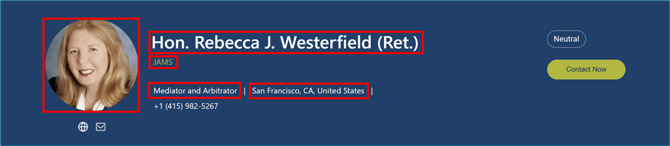
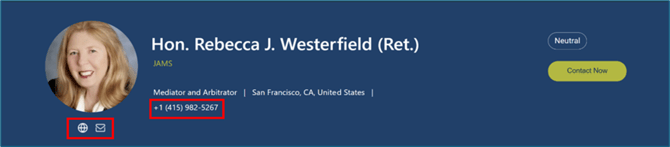
The header establishes identity and brief contextual details. Contact information may include any or all the following:
- Phone number
- Firm website or personal site
- LinkedIn profile
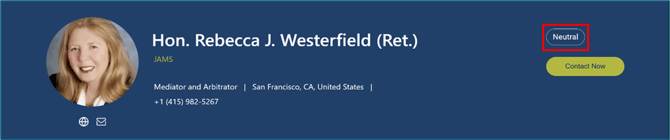
Within the top right header of a profile, there are indicators for which legal professional role or roles the person falls under:
- Lawyer
- Expert
- Judge
- Neutral
- Other
Specializations – Role Specific
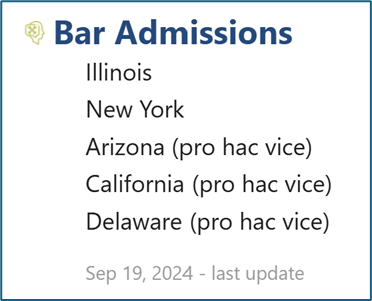
Lawyer:
Admission: shows which state a lawyer is admitted to practice including pro hac vice if applicable
Expert:
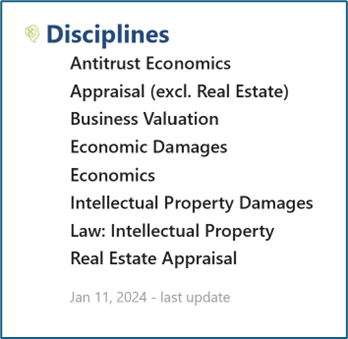
Disciplines: identify an Expert’s professional fields
Neutral:
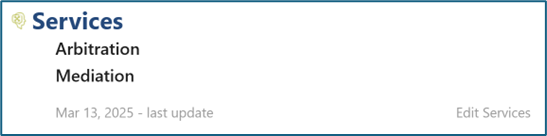
Services - shows options of services this Neutral can provide
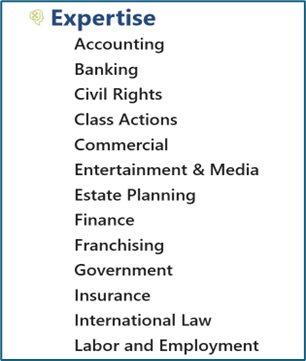
Expertise - highlights a Neutral’s focus areas
Education
Includes degrees earned and institutions attended, such as:
- Law school degree, law school, and dates attended
- Undergraduate degree, major, undergraduate school, and dates attended

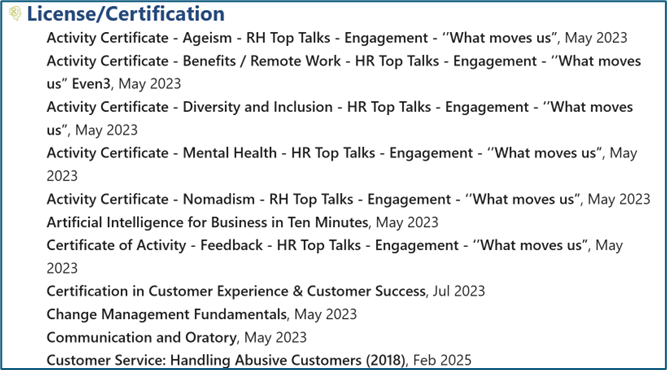
License/Certification
This field includes licenses and certificates earned, specifically noting the:
- Name of license/certification
- License date
Court Qualifications
Captures a legal professional’s admissions and authorizations to practice before specific courts, including details such as:
- Court name
- Year of admission

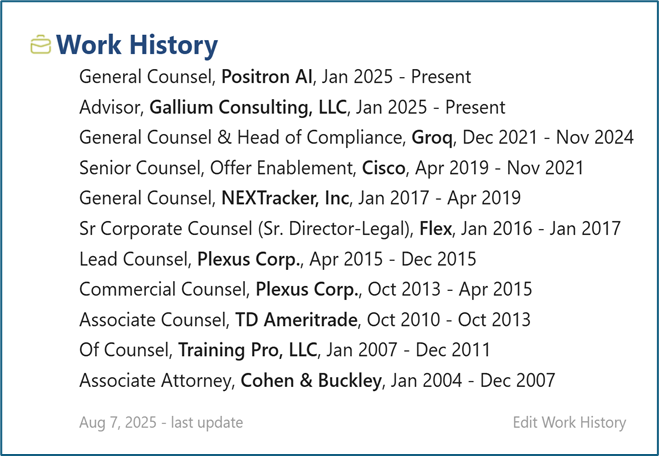
Work History
A chronological list of a professional’s work experience, including:
- Current and past roles
- Organizations
- Dates of employment
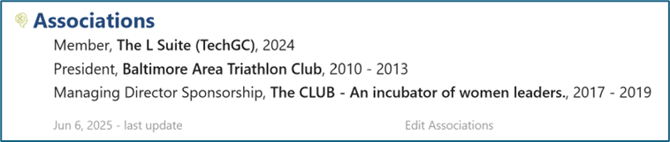
Associations
Any associations the person is or was a part of, which includes information such as:
- Title
- Association
- Start date
- End date
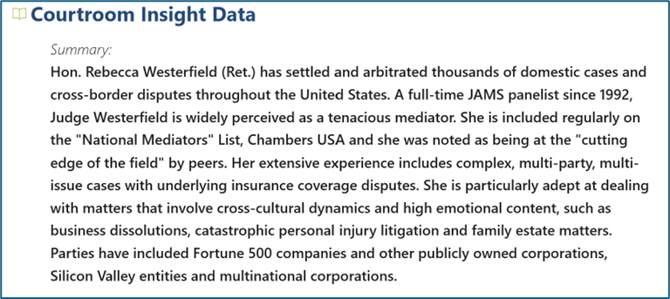
Courtroom Insight Data
Internal narrative content related to an individual’s courtroom history and professional background, including:
- Profile – short summary or bullet overview
- Biography – full narrative background
- CI Notes – internal notes
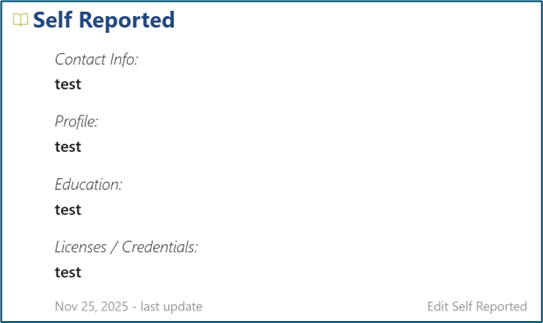
Self-Reported
A space where the legal professional may report information about themselves for public viewing. Includes data like:
- Contact Information
- Profile
- Education
- Licenses / Credentials
Private Firm Biography
A private section for data that is specific to your firm. This data is not shared with any other clients. May include information such as:
- Contact Information
- Profile
- Education
- Licenses / Credentials
Still Need Help?
If you still have questions or experience issues, our Customer Care team is here to help. Contact us by email (customercare@courtroominsight.com) or phone (415-593-1499 x405) to get connected with a team member within 24 hours.